SSD vs HDD in 2026: Which Storage Type Should You Choose?
SSD vs HDD: The future of storage technology in 2026.
8 min read • 1,632 words
Table of Contents
ToggleSSD vs HDD in 2026: Which Storage Type Should You Choose?
As we approach 2026, the debate between SSD vs HDD storage options continues to evolve, impacting how consumers and businesses manage their data. Understanding the differences between these two technologies is crucial for making informed decisions about storage solutions. With SSD prices expected to drop significantly, they will become more accessible to a broader audience, offering faster read and write speeds that enhance overall system performance. This article will explore the implications of these advancements and what they mean for your storage needs.
While SSDs will gain popularity for their speed and efficiency, HDDs will still hold their ground by providing higher storage capacities at lower prices, making them ideal for archival storage. Additionally, by 2026, hybrid solutions that combine the strengths of both SSD and HDD technologies will likely become commonplace, offering consumers the best of both worlds. Join us as we delve deeper into the SSD vs HDD landscape in 2026 and help you determine the right choice for your storage requirements.
Introduction to SSD and HDD
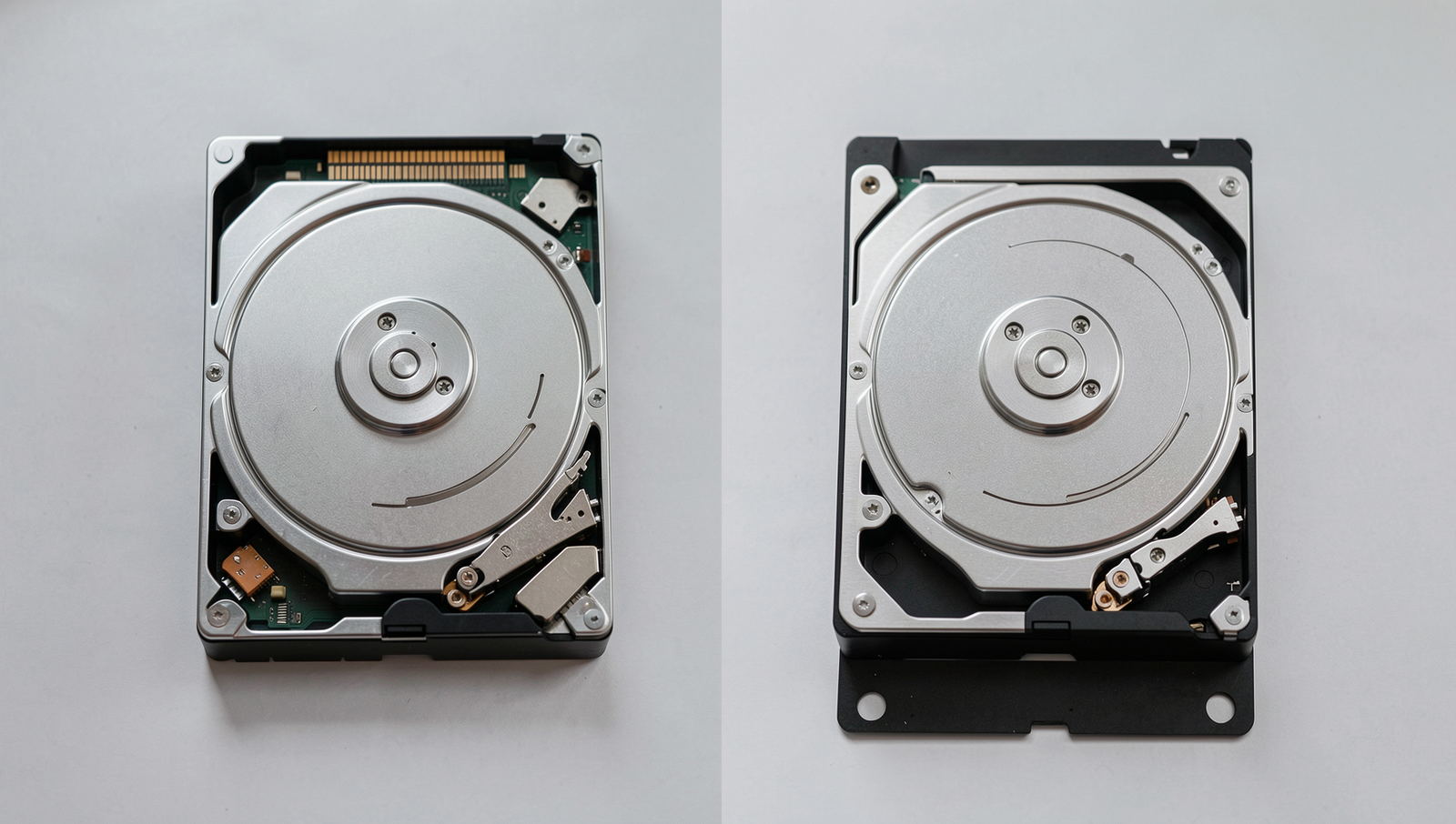
In the realm of computer storage, two primary types dominate the market: Solid State Drives (SSDs) and Hard Disk Drives (HDDs). Understanding the fundamental differences between these technologies is crucial for making informed decisions about storage solutions. SSDs utilize flash memory to store data, allowing for faster data access and transfer speeds. In contrast, HDDs rely on spinning magnetic disks to read and write data, which can result in slower performance.
The historical context of these storage technologies reveals a significant evolution over the years. HDDs have been the standard for decades, offering large storage capacities at relatively low costs. However, as technology has advanced, SSDs have gained popularity due to their speed, durability, and energy efficiency. The shift from HDDs to SSDs began in earnest in the late 2000s, and by 2026, this trend is expected to continue, with SSDs becoming the preferred choice for many consumers and businesses alike.
Current market trends indicate a growing demand for SSDs, driven by their performance advantages and decreasing prices. As of 2026, SSDs are not only more affordable than ever but also available in larger capacities, making them suitable for a wide range of applications, from gaming to professional video editing. Meanwhile, HDDs still hold a place in the market, particularly for users who require massive storage at a lower cost, such as for archival purposes.
Choosing the right storage type is essential for users, as it can significantly impact overall system performance and user experience. For instance, gamers and content creators may benefit from the speed of SSDs, while businesses with extensive data storage needs might opt for HDDs to save on costs. Ultimately, the decision between SSD vs HDD in 2026 will depend on individual requirements, budget, and the specific use cases at hand.
Performance Comparison
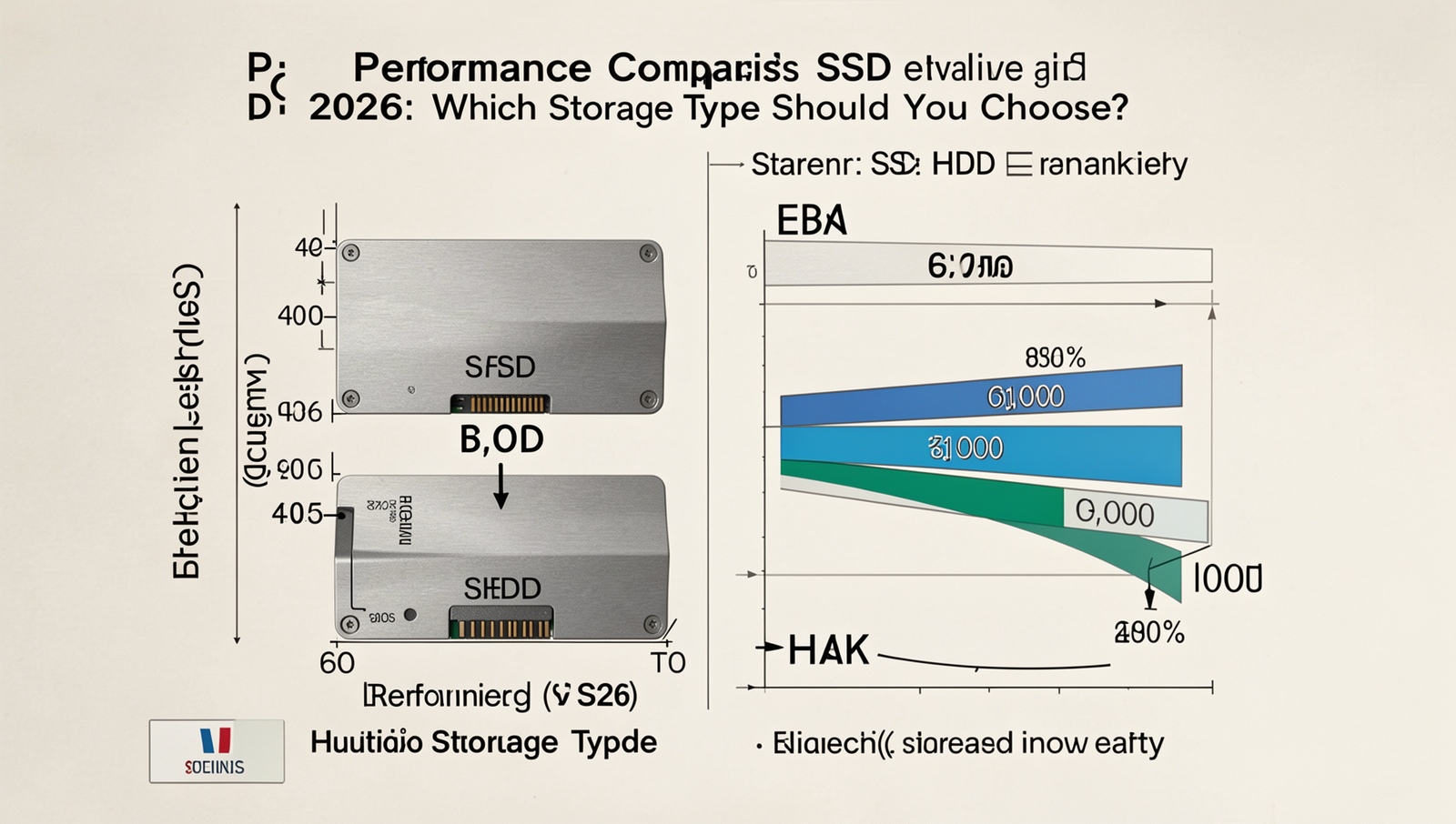
When considering the differences between SSDs and HDDs in 2026, one of the most significant factors is performance. Solid State Drives (SSDs) are known for their superior speed compared to Hard Disk Drives (HDDs). This speed is primarily attributed to the technology used in SSDs, which utilize flash memory to store data, allowing for much faster read and write speeds.
In terms of raw performance, SSDs can achieve read/write speeds of up to 7,000 MB/s, while traditional HDDs typically max out around 200 MB/s. This stark difference means that tasks such as file transfers and data retrieval are significantly quicker on SSDs. For instance, transferring a large file of 10 GB would take approximately 1.4 minutes on an HDD, whereas an SSD could complete the same task in just a few seconds.
Another critical aspect of performance is latency and access times. SSDs have much lower latency, often measured in microseconds, compared to HDDs, which can take milliseconds to access data. This difference greatly impacts system boot times and application loading. A computer equipped with an SSD can boot up in under 15 seconds, while an HDD may take over a minute to reach the desktop.
Real-world performance benchmarks further illustrate these differences. For example, in gaming scenarios, SSDs allow for faster load times, meaning players can jump into action more quickly. In productivity applications, such as video editing software, SSDs enable smoother playback and quicker rendering times, enhancing overall workflow efficiency.
- Speed: SSDs (up to 7,000 MB/s) vs. HDDs (up to 200 MB/s)
- Latency: SSDs (microseconds) vs. HDDs (milliseconds)
- Boot Times: SSDs (under 15 seconds) vs. HDDs (over 1 minute)
In conclusion, when evaluating the performance of SSD vs HDD in 2026, it is clear that SSDs offer significant advantages in speed, latency, and overall efficiency, making them the preferred choice for most users looking for optimal performance.
Cost and Capacity Analysis
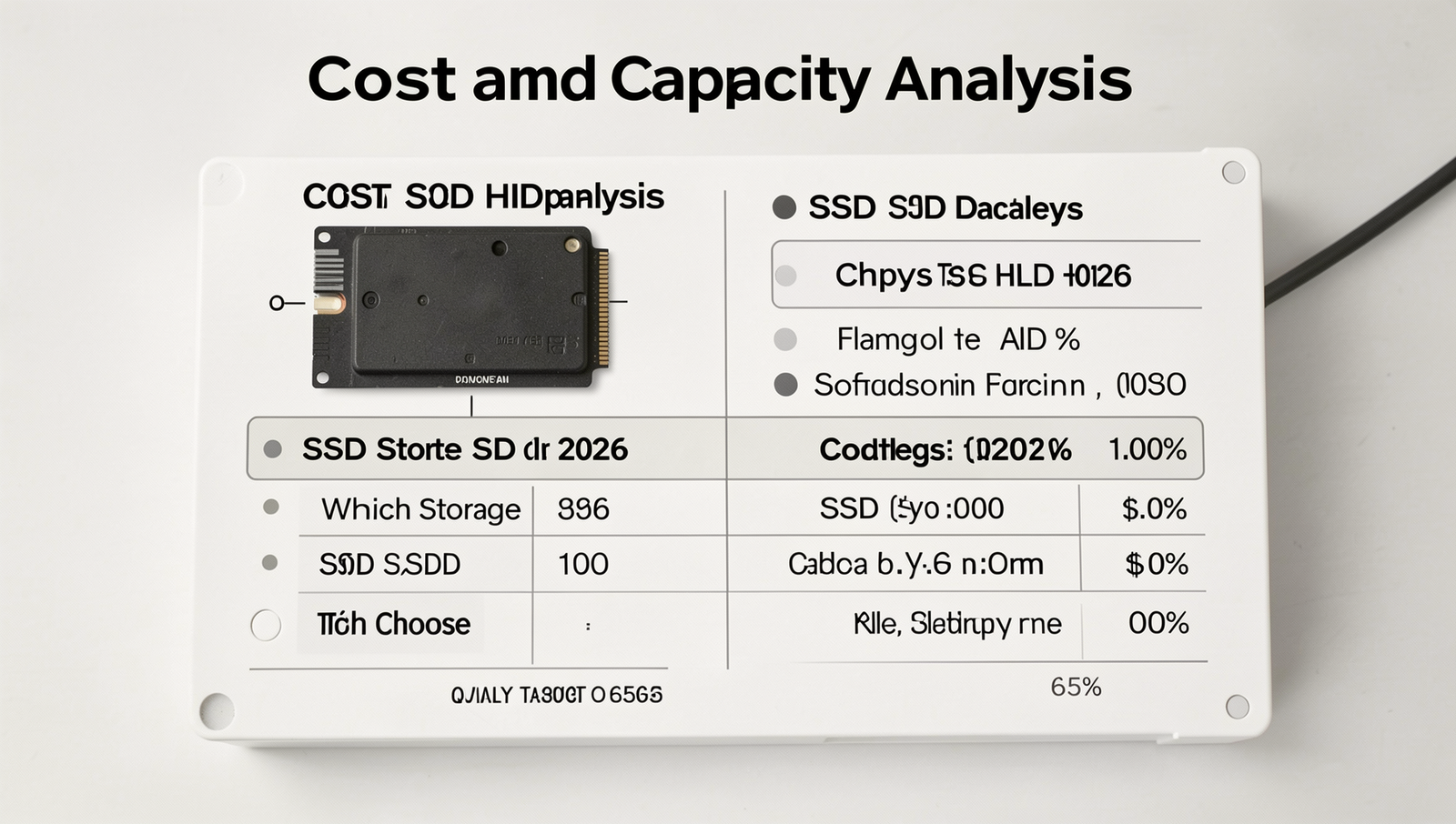
When evaluating the SSD vs HDD in 2026, one of the most critical factors to consider is the cost and capacity of each storage type. As technology progresses, the price per gigabyte for SSDs has been steadily decreasing, making them more accessible to consumers. In 2026, the average price for SSDs is projected to be around $0.10 to $0.15 per gigabyte, while traditional HDDs will likely remain lower at approximately $0.03 to $0.05 per gigabyte. This price difference can significantly influence purchasing decisions, especially for budget-conscious consumers.
In terms of storage capacities, SSDs have been catching up to HDDs, which have long been the go-to for high-capacity storage solutions. As of 2026, SSDs are expected to offer capacities ranging from 1TB to 8TB for consumer models, with enterprise-level SSDs reaching up to 30TB or more. In contrast, HDDs will continue to provide larger capacities, with models exceeding 20TB readily available. However, the gap is narrowing, and many users may find that the advantages of SSDs, such as speed and durability, outweigh the cost per gigabyte.
- Long-term Cost-Effectiveness: While SSDs may have a higher initial cost, their longevity and performance can lead to lower long-term costs. For example, an SSD can last up to 10 years, while an HDD may only last 3 to 5 years under heavy use.
- Value Considerations: For gamers or professionals who require fast load times and quick data access, investing in an SSD can provide significant value despite the higher upfront cost.
- Budget Considerations: For everyday users who primarily store documents and media, HDDs may still be the most economical choice, especially for those who need large amounts of storage without the need for speed.
Ultimately, the decision between SSD and HDD in 2026 will depend on individual needs, budget constraints, and the intended use of the storage device. Understanding the cost and capacity dynamics will help consumers make informed choices that align with their requirements.
Use Cases and Recommendations
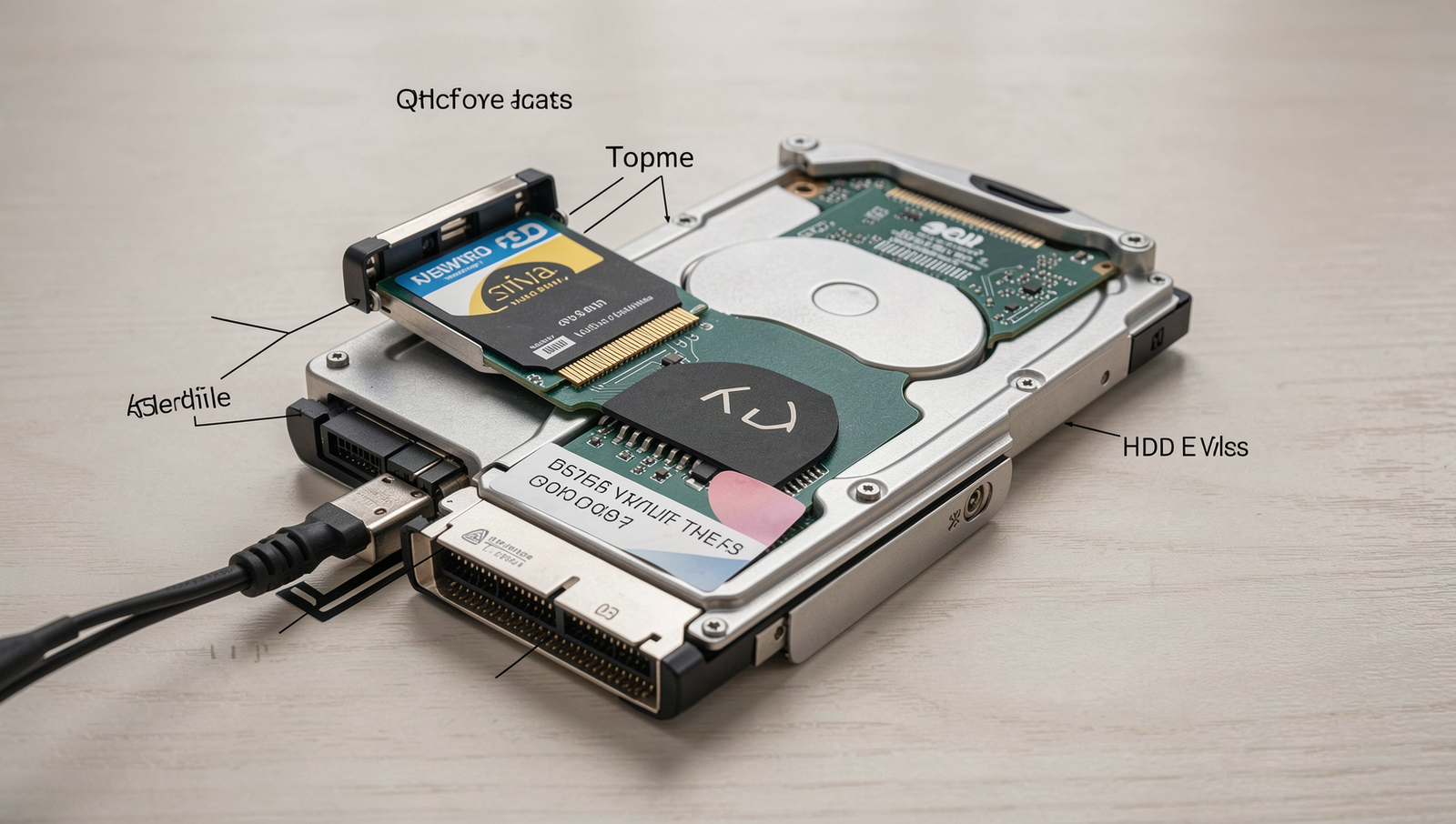
As we progress into 2026, the debate between SSD vs HDD continues to evolve, with each storage type catering to different needs and scenarios. Understanding the ideal use cases for each can help users make informed decisions based on their specific requirements.
Solid State Drives (SSDs) are particularly advantageous in scenarios that demand high-speed data access and quick load times. For instance, gamers benefit immensely from SSDs as they significantly reduce loading times, allowing for a smoother gaming experience. Additionally, professionals in fields such as video editing, graphic design, and software development will find SSDs indispensable. The fast read/write speeds of SSDs enable these users to handle large files and applications efficiently, enhancing productivity and workflow.
On the other hand, Hard Disk Drives (HDDs) remain relevant for bulk storage and archival purposes. They offer a cost-effective solution for users who need to store large amounts of data without the need for rapid access. For example, businesses that require extensive data backups or personal users looking to archive photos and videos can benefit from the high capacity and lower price point of HDDs. Here are some ideal scenarios for HDD usage:
- Long-term storage of large files, such as videos and images.
- Backup solutions for businesses with vast amounts of data.
- Archiving old projects or documents that are not frequently accessed.
Looking ahead, storage technology is likely to continue evolving, with trends such as increased integration of SSDs in everyday devices and advancements in hybrid storage solutions. As user needs shift towards faster access and greater efficiency, the demand for SSDs will likely rise, while HDDs will still serve a niche for bulk storage.
In conclusion, when deciding between SSD vs HDD in 2026, consider your specific profile and requirements. If speed and performance are your priorities, an SSD is the way to go. However, if you need extensive storage at a lower cost, an HDD may be more suitable. Balancing these factors will ensure you choose the right storage solution for your needs.
Conclusion
As we look ahead to 2026, the debate between SSD vs HDD continues to evolve, driven by advancements in technology and changing user needs. Solid State Drives (SSDs) offer significant advantages in speed, durability, and energy efficiency, making them an increasingly popular choice for both personal and professional use. With prices steadily decreasing, SSDs are becoming more accessible, allowing users to experience faster boot times and quicker file transfers. On the other hand, Hard Disk Drives (HDDs) still hold value for those requiring large storage capacities at a lower cost, particularly for archival purposes or bulk data storage.
When deciding between SSD vs HDD in 2026, consider your specific requirements. If performance and speed are paramount, SSDs are the clear winner. However, if budget constraints and storage capacity are your primary concerns, HDDs may still be the better option. Ultimately, understanding your storage needs will guide you in making the right choice
About the Author