Best Laptop Features to Look for Before You Buy in 2026
Explore top laptop features for 2026.
8 min read • 1,633 words
Table of Contents
ToggleBest Laptop Features to Look for Before You Buy in 2026
As technology continues to evolve, choosing the right laptop can be a daunting task, especially with the myriad of options available in 2026. Understanding the best laptop features to look for is crucial for making an informed decision that meets your needs. This article will guide you through the essential specifications and attributes that can significantly enhance your computing experience, ensuring you invest in a device that offers both performance and longevity.
In this guide, you will learn about the importance of having at least 16GB of RAM for optimal multitasking, the advantages of SSD storage over traditional HDDs, and why a high-resolution display is vital for clarity. Additionally, we will discuss the significance of long battery life and the latest processors, equipping you with the knowledge to choose a laptop that will serve you well in the years to come.
Essential Performance Specifications
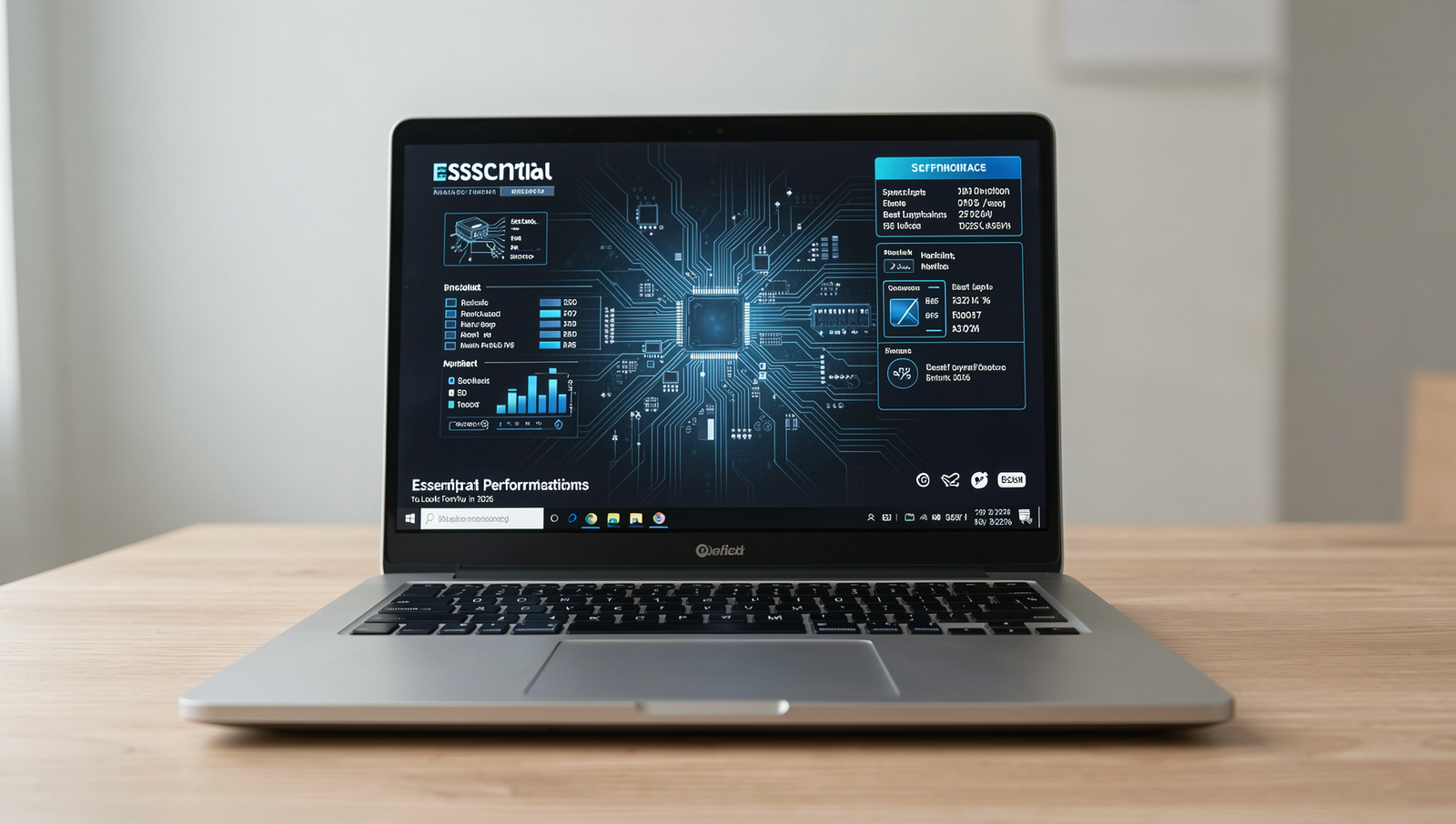
When shopping for a laptop in 2026, understanding the essential performance specifications can significantly enhance your purchasing decision. The best laptop features in 2026 revolve around processing power, memory, and storage options that cater to both casual users and professionals alike.
First and foremost, the processor is a crucial component to consider. Look for at least an Intel i5 or AMD Ryzen 5 processor. These processors provide a balanced performance suitable for various tasks, from everyday browsing to more demanding applications like video editing or gaming. For instance, an Intel i5 processor can efficiently handle multiple applications running simultaneously, making it a solid choice for multitaskers.
Next, RAM plays a vital role in how smoothly your laptop operates. Aim for a minimum of 16GB RAM. This amount of memory allows for seamless multitasking, enabling you to run several applications at once without experiencing lag. For example, if you’re a student who frequently uses applications like word processors, spreadsheets, and web browsers simultaneously, having 16GB of RAM will ensure that your laptop remains responsive and efficient.
Another key specification to consider is storage. Opt for SSD storage over traditional HDD. Solid State Drives (SSDs) offer significantly faster boot times and quicker file access, which can enhance your overall computing experience. For instance, a laptop with an SSD can boot up in seconds compared to minutes with an HDD, allowing you to get to work or play almost instantly.
- Processor: Intel i5 or AMD Ryzen 5
- RAM: Minimum 16GB
- Storage: SSD preferred for speed
By focusing on these essential performance specifications, you can ensure that your laptop meets your needs and stands the test of time in 2026.
Display Quality and Size
When searching for the best laptop features in 2026, one of the most critical aspects to consider is the display quality and size. A high-quality display not only enhances your viewing experience but also impacts your productivity. The resolution is a key factor; opting for a resolution of at least 1920×1080 ensures clear visuals, making it easier to read text, view images, and watch videos without straining your eyes.
Screen size is another important consideration. Depending on your lifestyle and how you plan to use your laptop, the ideal screen size may vary. For most users, a screen size between 13 to 15 inches strikes the perfect balance between portability and usability. A 13-inch laptop is lightweight and easy to carry, making it suitable for students or professionals on the go. Conversely, a 15-inch laptop offers a larger workspace, which is beneficial for graphic designers or those who frequently multitask.
In addition to resolution and size, the type of display panel can significantly affect your experience. Look for laptops that feature IPS (In-Plane Switching) panels. These panels provide better color accuracy and wider viewing angles compared to traditional TN (Twisted Nematic) panels. This means that whether you are editing photos, watching movies, or collaborating with others, the colors will remain consistent and vibrant from different angles.
- Choose a resolution of at least 1920×1080 for clear visuals.
- Consider your portability needs when selecting screen size.
- 13-15 inches is ideal for most users.
- Look for IPS panels for better color accuracy and viewing angles.
In summary, when evaluating the best laptop features for 2026, prioritize display quality and size to ensure an optimal computing experience tailored to your needs.
Battery Life and Portability
When searching for the best laptop features in 2026, one of the most critical aspects to consider is battery life and portability. In an age where remote work and on-the-go lifestyles are becoming the norm, a laptop that can keep up with your demands is essential.
Aim for a battery life of at least 8 hours to ensure that your device can last through a full day of work or study without needing a recharge. This is particularly important for students and professionals who may find themselves in meetings, classes, or traveling without easy access to power outlets. Many modern laptops now come equipped with energy-efficient processors and optimized software that help extend battery life, making it easier to find models that meet this requirement.
In addition to battery life, consider the weight and thickness of the laptop. A lightweight device, ideally under 3 pounds, will make it easier to carry around, especially if you frequently travel or commute. Thin laptops not only enhance portability but also often come with sleek designs that appeal to modern aesthetics. For example, ultrabooks are a popular choice for those who prioritize both performance and portability.
Fast charging capabilities are another feature worth evaluating. A laptop that can charge to 50% in just 30 minutes can significantly reduce downtime, allowing you to quickly power up between meetings or classes. This feature is becoming increasingly common, with many brands offering rapid charging technologies.
Lastly, evaluate the build quality for durability. A well-constructed laptop can withstand the rigors of daily use, whether it’s being tossed into a backpack or used in various environments. Look for materials like aluminum or magnesium alloy, which not only provide sturdiness but also contribute to a premium feel.
- Battery life: Aim for 8 hours or more.
- Weight: Look for laptops under 3 pounds.
- Thickness: Choose thin models for easy transport.
- Fast charging: Seek laptops with rapid charging features.
- Build quality: Opt for durable materials like aluminum.
Connectivity and Additional Features
When searching for the best laptop features in 2026, connectivity options and additional features play a crucial role in enhancing your overall experience. A laptop’s ability to connect with various devices and networks can significantly impact your productivity and enjoyment. Here are some essential connectivity features to consider before making a purchase.
- Multiple USB Ports: Ensure that your laptop has several USB ports, including at least one USB-C port. USB-C is becoming the standard for modern peripherals, allowing for faster data transfer and charging capabilities. For instance, if you plan to use external drives or connect to docking stations, having multiple USB ports will be beneficial.
- HDMI or DisplayPort: If you often connect your laptop to external displays, check for HDMI or DisplayPort options. These ports allow you to easily connect to monitors, projectors, or TVs, making it easier to present or enjoy media on a larger screen.
- Wi-Fi 6 or 6E Support: Look for laptops that support Wi-Fi 6 or 6E, as these technologies provide faster internet speeds and improved performance in crowded areas. This is especially important if you work in a shared space or enjoy streaming high-definition content.
- Backlit Keyboard: A backlit keyboard is a practical feature for those who often work in low-light environments. It allows you to type comfortably without straining your eyes, making it easier to work during late-night sessions or in dimly lit cafes.
In conclusion, considering these connectivity and additional features will help you find the best laptop for your needs in 2026. By prioritizing multiple USB ports, display connectivity options, advanced Wi-Fi support, and practical features like a backlit keyboard, you can ensure that your new laptop will meet your demands for years to come.
Conclusion
As we look ahead to 2026, understanding the best laptop features is crucial for making an informed purchase. Key aspects such as processing power, battery life, display quality, and portability are essential in ensuring that your laptop meets both current and future demands. Investing in a laptop with a powerful processor and ample RAM will enhance your productivity, while a high-resolution display will provide an immersive experience for both work and entertainment. Additionally, considering the weight and battery longevity will ensure that your device is convenient for on-the-go use.
Before making your final decision, take the time to assess your specific needs and how the best laptop features for 2026 align with them. Whether you are a student, a professional, or a gamer, identifying the right combination of specifications will lead to a satisfying purchase. By prioritizing these features, you can ensure that your laptop remains relevant and efficient for years to come.
Frequently Asked Questions
What processor should I look for in a laptop in 2026?
In 2026, it’s advisable to look for laptops equipped with the latest generation processors, such as Intel’s Core i7 or AMD’s Ryzen 7. These processors offer enhanced performance, better energy efficiency, and improved multitasking capabilities, making them ideal for demanding applications.
How much RAM is recommended for a laptop in 2026?
For optimal performance in 2026, a minimum of 16GB of RAM is recommended for most users. This amount allows for smooth multitasking and efficient handling of resource-intensive applications, ensuring that your laptop can keep up with modern software demands.
What type of storage is best for laptops in 2026?
Solid State
About the Author